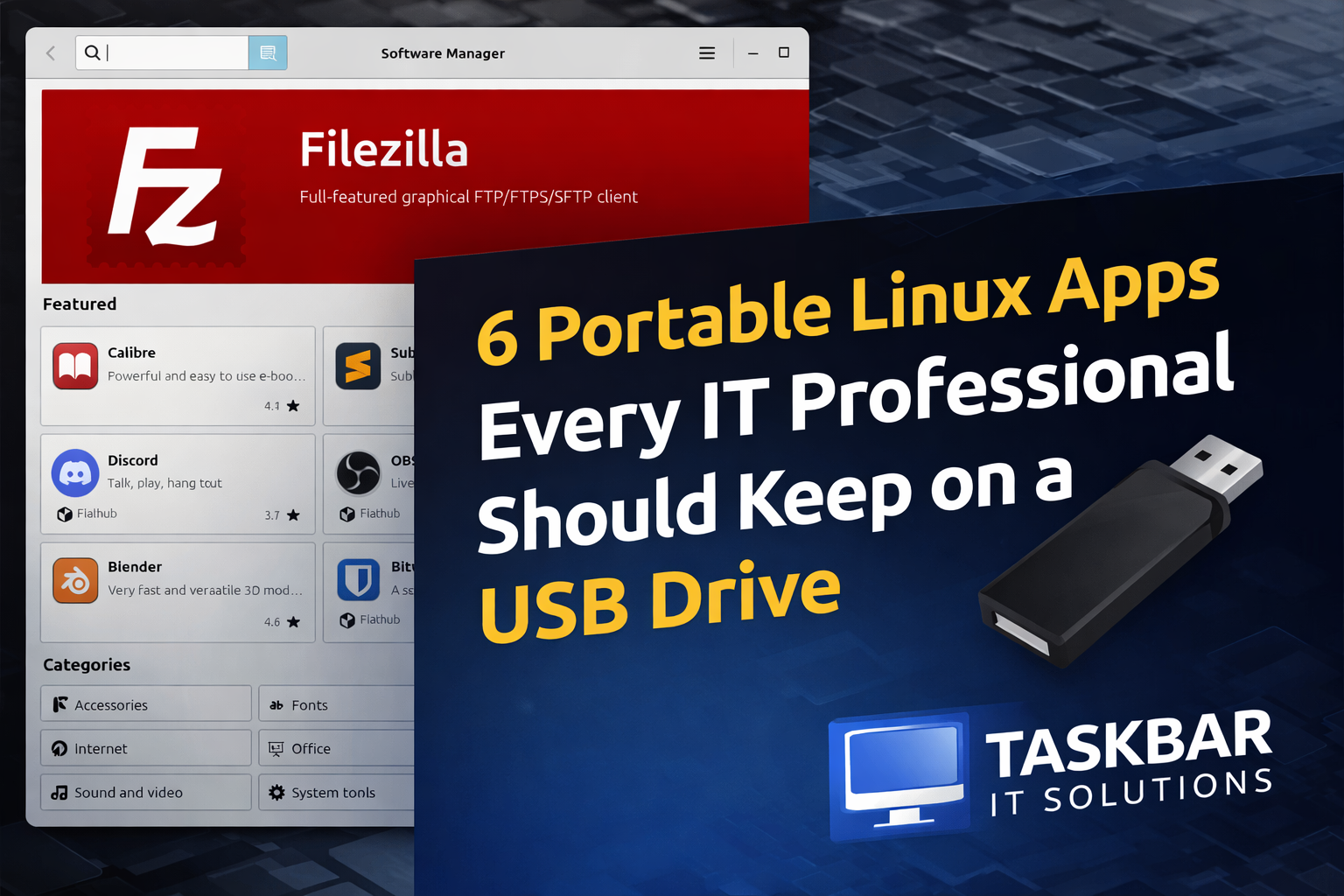
6 Portable Linux Apps Every IT Professional Should Keep on a USB Drive
By Taskbar IT Solutions
If you work in IT long enough, you eventually learn a simple rule:
The right tools can save hours of work.
But installing software on every machine you touch isn’t always possible. In many environments—especially secure networks, client systems, or emergency recovery situations—you may not have permission to install anything at all.
That’s where portable Linux applications come in.
Portable apps allow you to run powerful software directly from a USB drive or external disk without installing it on the host system. Plug in your drive, launch the tool, and get to work.
At Taskbar IT Solutions, we rely heavily on tools like these for troubleshooting, diagnostics, and recovery work. Here are a few portable Linux apps we recommend keeping in your toolkit.
1. Flameshot – The Ultimate Screenshot Tool for Documentation
When troubleshooting systems or documenting issues for clients, screenshots are essential.
Flameshot is one of the best screenshot tools available for Linux because it lets you:
- Highlight important areas
- Draw arrows and shapes
- Blur sensitive data
- Add quick notes
For MSPs and IT teams, this makes documenting issues and sending clear explanations to clients much easier.
2. KeePassXC – Secure Password Management Anywhere
Security professionals know that password management is critical.
KeePassXC is an offline password manager that stores credentials in a secure encrypted database. Because the database file travels with you, it’s perfect for:
- Emergency admin credentials
- Break-glass access accounts
- Secure offline password storage
Unlike cloud-based password managers, KeePassXC works even when internet access isn’t available.
3. Kiwix – Offline Knowledge at Your Fingertips
Imagine having access to Wikipedia, documentation libraries, and technical knowledge bases completely offline.
That’s exactly what Kiwix provides.
With Kiwix you can download entire knowledge archives and carry them with you. This can be incredibly useful in environments with:
- restricted internet access
- secure networks
- disaster recovery scenarios
For IT professionals working in the field, having access to offline documentation can be a lifesaver.
4. Popsicle – Fast Multi-USB Image Writing
Sometimes you need to prepare multiple installer drives quickly.
Popsicle makes it easy to write ISO images to several USB drives simultaneously. This is extremely helpful when:
- preparing Linux installers
- creating recovery drives
- deploying systems in bulk
Instead of flashing drives one at a time, Popsicle speeds up the process significantly.
5. Feishin – A Portable Music Client for Self-Hosted Servers
While not strictly an IT tool, Feishin is a great portable music player that connects to self-hosted music platforms like:
- Jellyfin
- Navidrome
- Subsonic servers
If you run your own media server, this lets you access your music library from any Linux system.
6. WinBoat – Running Windows Apps on Linux
Sometimes you still need access to Windows applications while working on a Linux system.
WinBoat simplifies running Windows software using containerized environments and Wine compatibility layers.
For technicians who switch between operating systems frequently, tools like this can bridge the gap.
Why Portable Apps Matter for IT Professionals
Portable tools are especially valuable for:
- IT consultants
- Managed Service Providers (MSPs)
- System administrators
- Cybersecurity professionals
They allow you to carry your toolkit with you and work on almost any system without installing software or modifying the host machine.
That flexibility can be critical when troubleshooting systems or responding to incidents.
Building Your Own Portable IT Toolkit
At Taskbar IT Solutions, we often maintain portable toolkits that include:
- network diagnostic tools
- security scanners
- password managers
- system recovery utilities
Having the right tools ready to go can make the difference between a quick fix and hours of frustration.
If you’re an IT professional, building your own portable Linux toolkit is well worth the effort.
If you’re interested in cybersecurity tips, IT infrastructure insights, and small-business technology strategies, follow the Taskbar IT Solutions blog for more practical advice from the field.