Why LibreOffice Is a Smart Alternative to Microsoft Office, Google Workspace, and Apple iWork
For years, businesses have defaulted to Microsoft Office, Google Workspace, or Apple’s iWork because “that’s just what you use.” But the software landscape has changed. Subscription costs continue to rise, licensing models get more complex, and many companies are paying for features they never use.
That’s where LibreOffice enters the conversation — not as a budget compromise, but as a strategic alternative.
What Is LibreOffice?
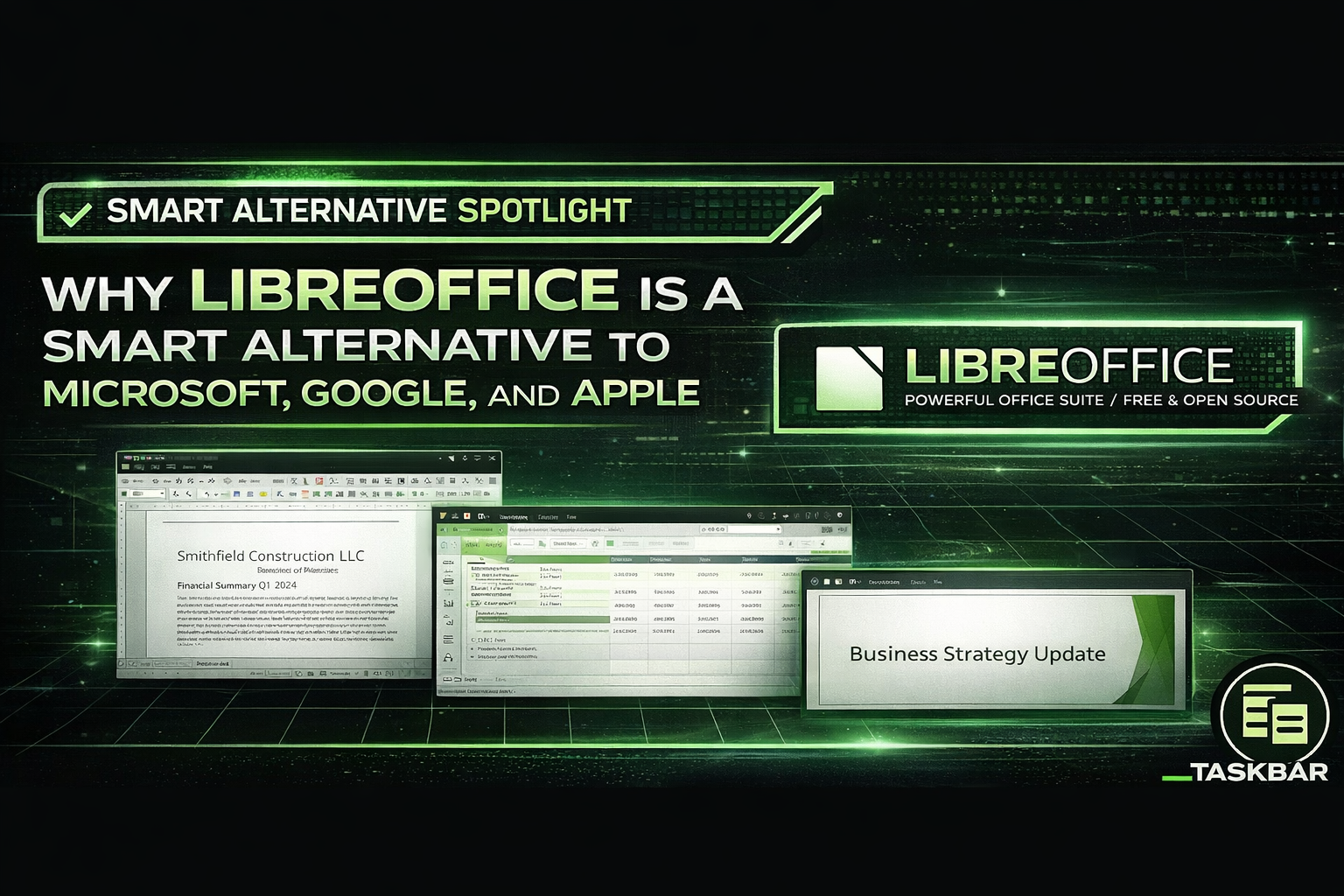
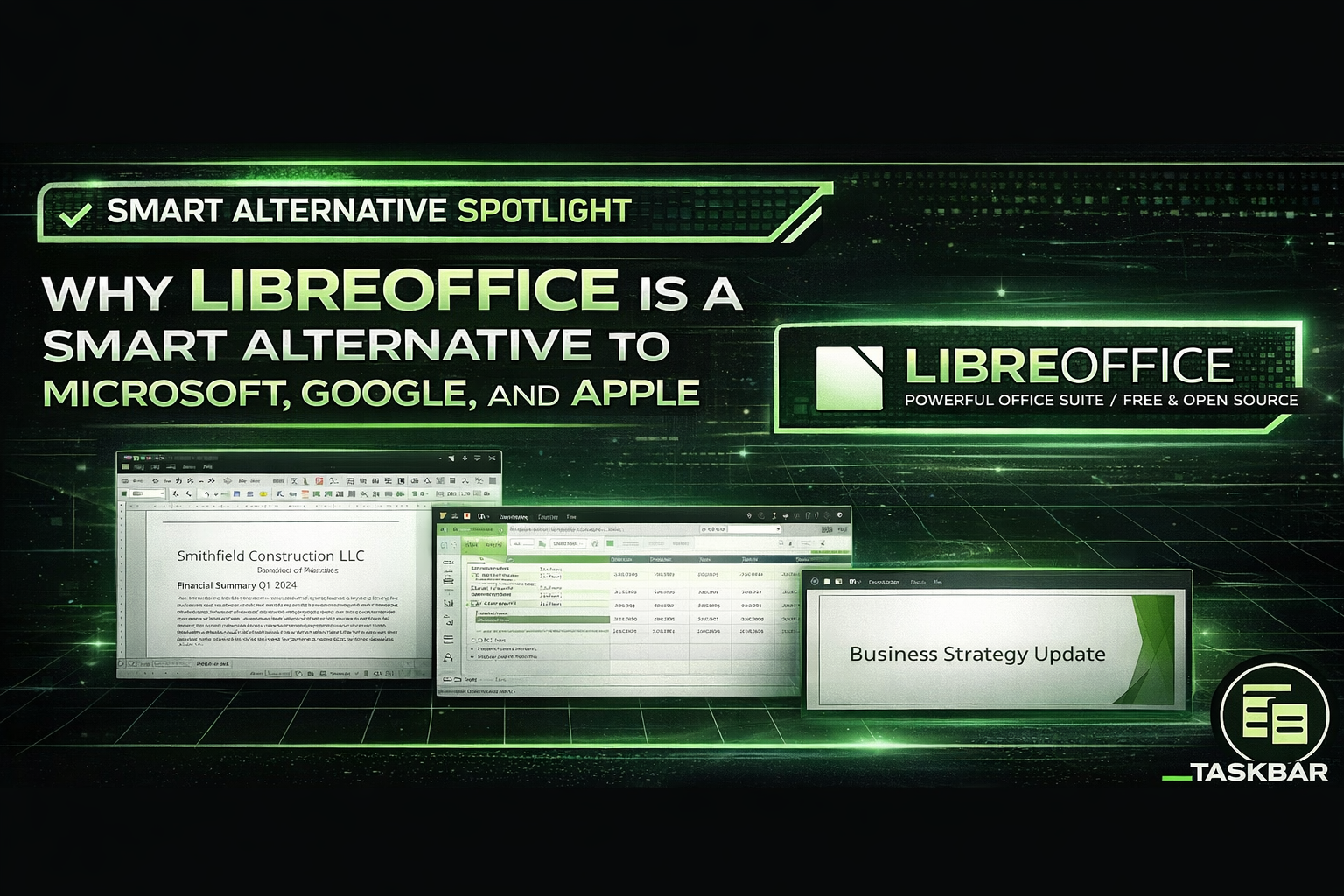
LibreOffice is a full-featured, open-source office suite that includes:
- Writer (Word alternative)
- Calc (Excel alternative)
- Impress (PowerPoint alternative)
- Base (Database tool)
- Draw (Diagrams and graphics)
It runs on Windows, macOS, and Linux — and it opens and saves Microsoft Office file formats like .docx, .xlsx, and .pptx.
For most small and mid-sized businesses, that covers 80–90% of everyday document needs.
Why Businesses Are Reconsidering Microsoft 365 and Google Workspace
Microsoft 365 and Google Workspace are powerful platforms. But they come with recurring subscription fees, licensing tiers, cloud dependencies, and ongoing price increases.
Many organizations don’t actually use advanced collaboration features — yet they continue paying for full enterprise subscriptions.
LibreOffice installs locally and works offline. There are:
- No recurring subscription fees
- No vendor lock-in
- No forced upgrades
- No surprise licensing audits
For businesses focused on cost control and long-term stability, that independence matters.
How LibreOffice Compares to Apple iWork
Apple’s Pages, Numbers, and Keynote offer a clean experience for Mac users. But they remain tied to Apple’s ecosystem and can introduce formatting inconsistencies in mixed-device environments.
LibreOffice provides cross-platform flexibility. Whether your office runs Windows desktops, MacBooks, or a combination of both, LibreOffice keeps things consistent without tying your workflow to a specific vendor.
Is LibreOffice Right for Every Business?
No — and that’s important.
Enterprises deeply integrated into Microsoft’s cloud ecosystem may still benefit from Microsoft 365’s advanced collaboration and security features.
But if your team primarily needs strong document creation, spreadsheets, and presentations — without enterprise licensing complexity — LibreOffice is a powerful and stable solution worth evaluating.
Get a Software Cost Audit
At Taskbar, we don’t push “cheap.” We push smart.
Sometimes that means Microsoft. Sometimes Google. And sometimes it means eliminating subscriptions altogether.
If you’re unsure whether you’re overpaying for office software, we offer a Software Cost Audit to review:
- Your current licensing structure
- Seat utilization vs. actual usage
- Redundant software tools
- Open-source alternatives where appropriate
Want to know if LibreOffice makes sense for your business?
Contact Taskbar for a no-pressure Software Cost Audit and strategic recommendation.